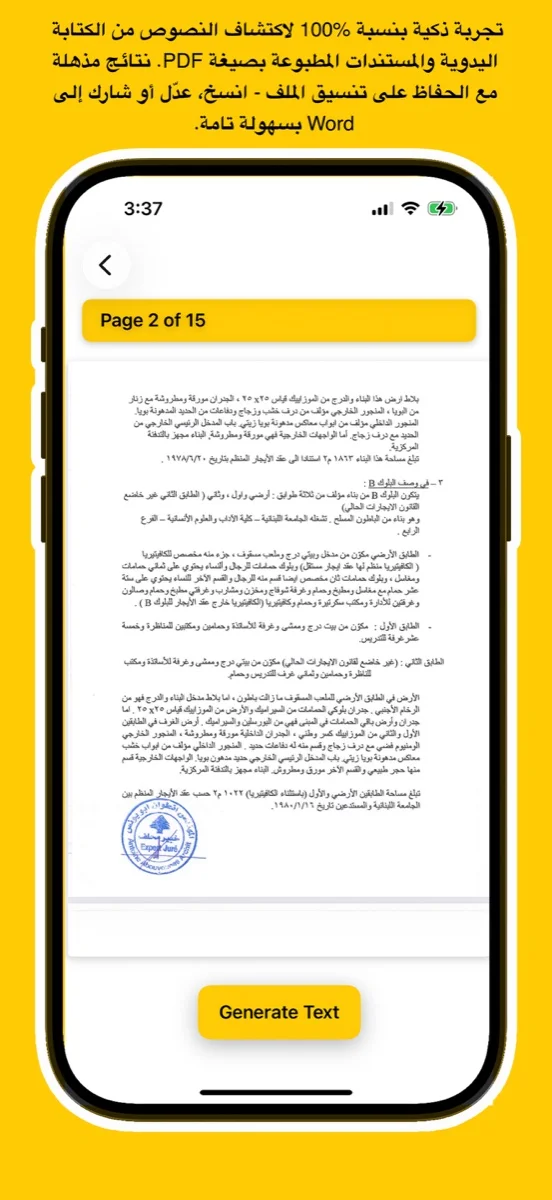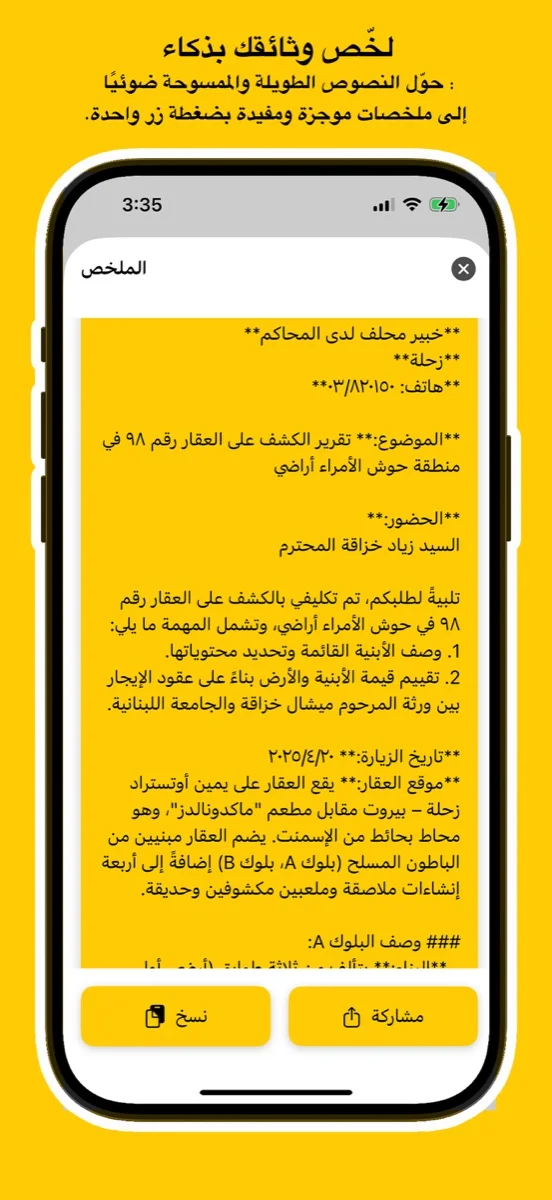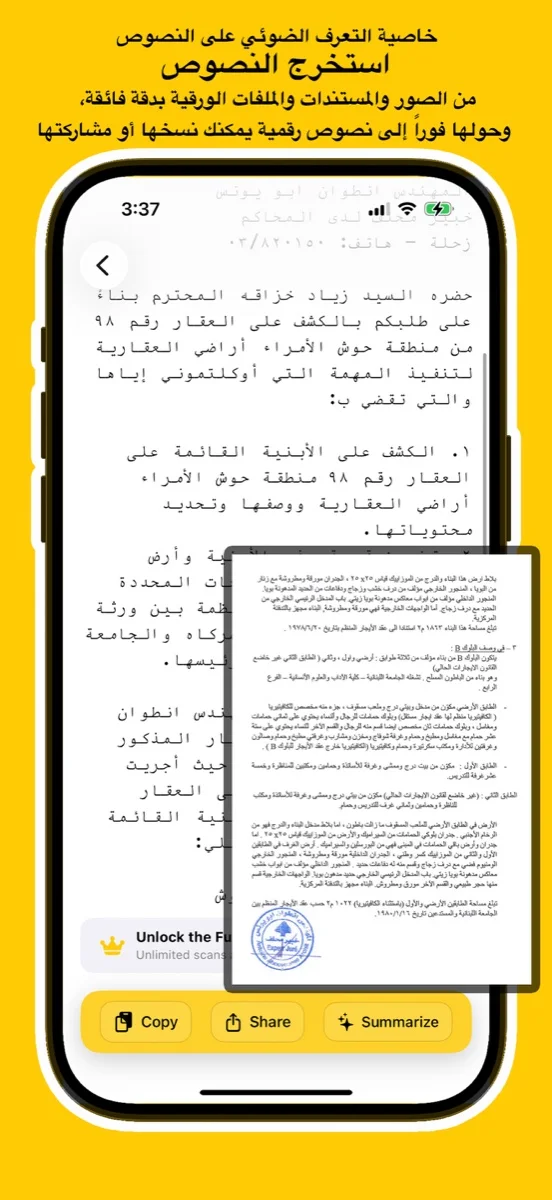
Scan documents, handwriting, or images and convert them into editable Arabic text using advanced AI. Try the free online demo below or download the app for full access on iOS, Android, and macOS.
يتعرف بدقة على النص العربي المطبوع والكتابة اليدوية من الصور أو ملفات PDF أو المستندات الورقية.
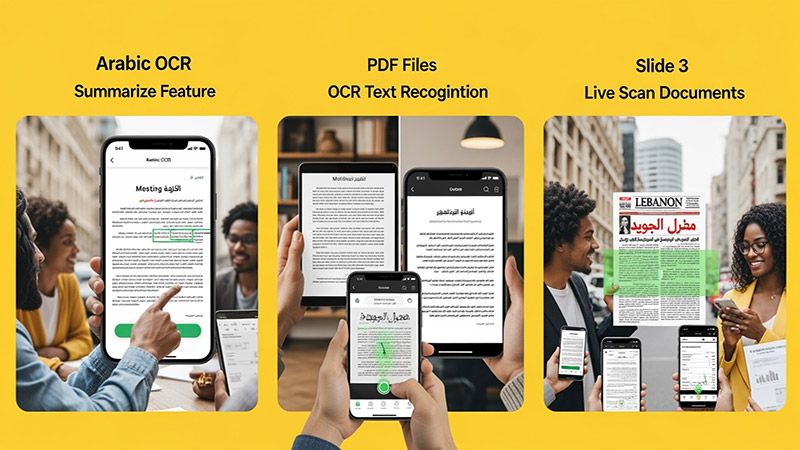
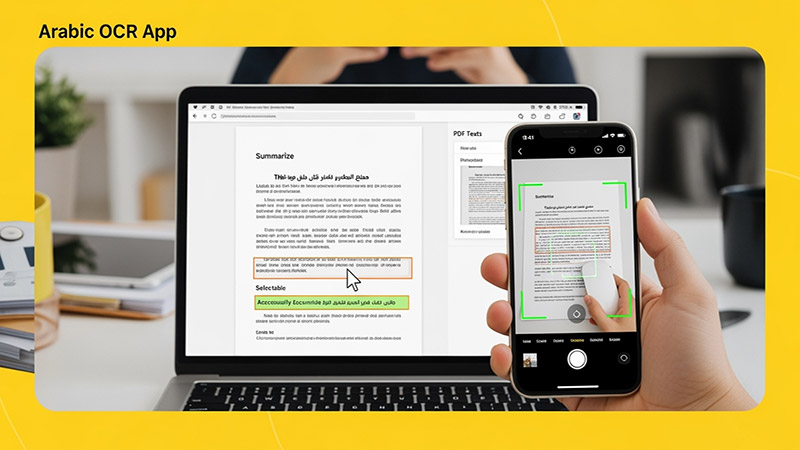
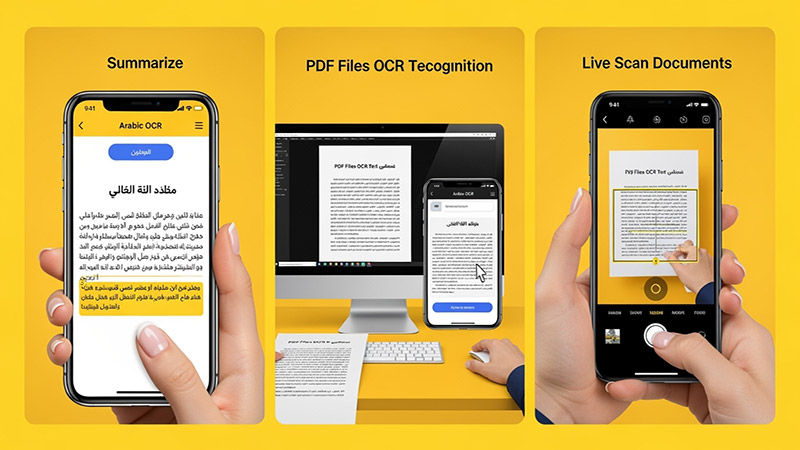
Upload an image, try your handwriting, or drop a file here to extract Arabic
text instantly.
(For full results & PDF support, download the app
below)
Click or Drag Image Here
Supports JPG, PNG - Try Handwriting!
(For PDF Files, please download the App)
Processing... / جاري المعالجة
Want full text & PDF support? / هل تريد النص الكامل ودعم PDF؟
Use advanced Arabic OCR to scan images, PDFs, and handwriting with high precision.
Perfect for students, professionals, journalists, and researchers.
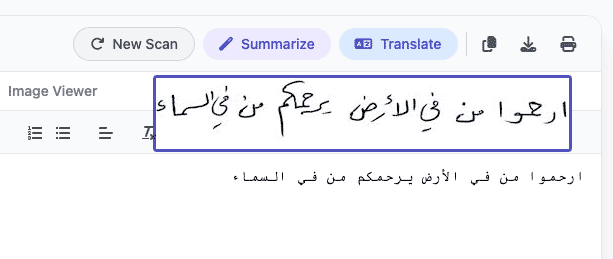
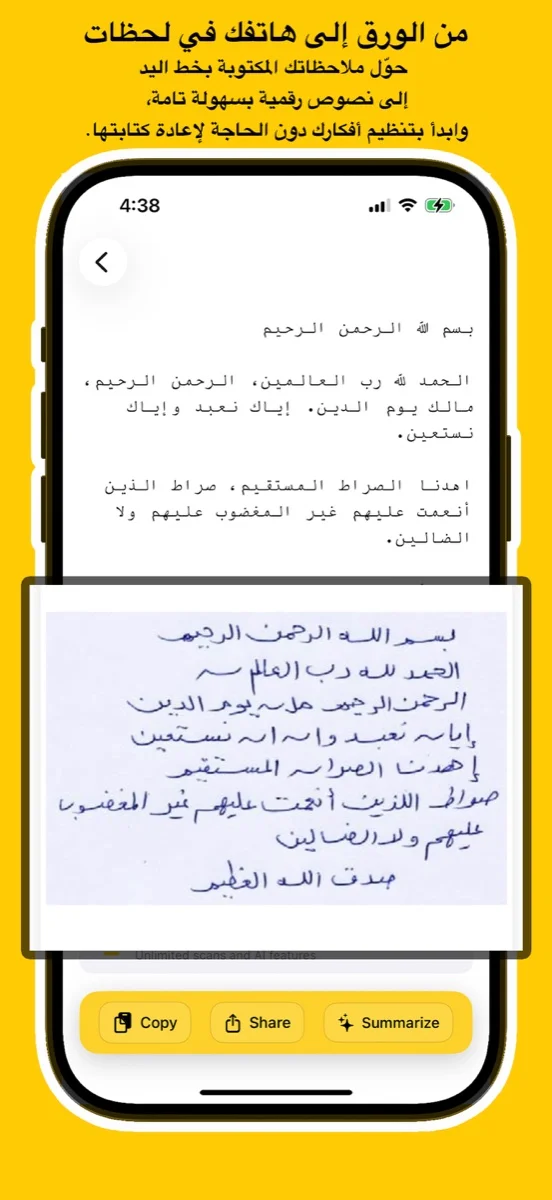
Experience unmatched precision in detecting and extracting Arabic handwriting. Our advanced AI models are trained to recognize various styles of scripts, from student notes to historical manuscripts, converting them into digital text instantly.
اكتشف قوة الذكاء الاصطناعي في التعرف على الخط العربي اليدوي واستخراجه بدقة مذهلة. تم تدريب نماذجنا المتقدمة لمعالجة مختلف أنماط الكتابة، من ملاحظات الطلاب إلى المخطوطات التاريخية، وتحويلها إلى نصوص رقمية فوراً.
Try Handwriting DemoDesigned specifically for the Mac ecosystem. Experience the ultimate privacy and speed with our Apple Local LLM integration. Process your sensitive documents entirely offline, ensuring your data never leaves your device.
مصمم خصيصاً لنظام macOS. استمتع بخصوصية وسرعة لا مثيل لهما مع تكامل Apple Local LLM. قم بمعالجة مستنداتك الحساسة بالكامل دون الاتصال بالإنترنت، مما يضمن عدم مغادرة بياناتك لجهازك أبداً.
Download for macOS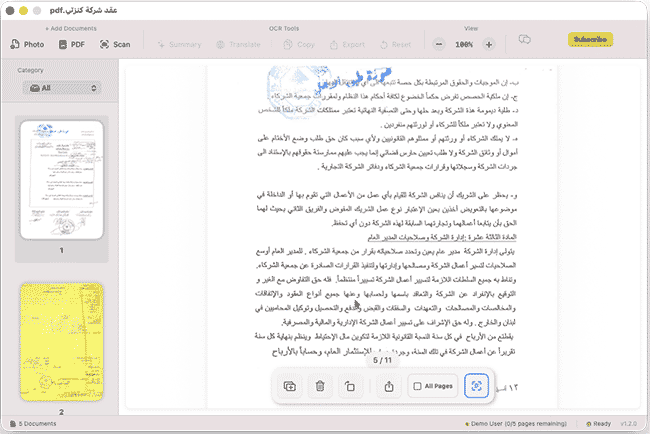
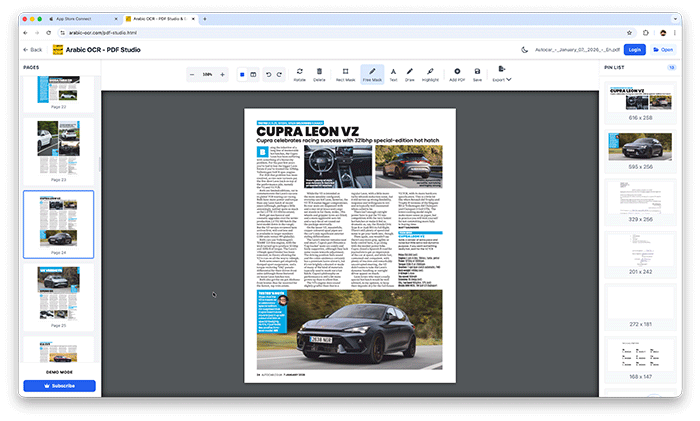
Edit, merge, and organize your PDFs effortlessly with our powerful online studio. No installation required—access advanced tools like page rotation, deletion, and text extraction directly in your browser.
قم بتعديل ودمج وإدارة ملفات PDF الخاصة بك بسهولة عبر الاستوديو المتطور أونلاين. إستمتع بأدوات متقدمة مثل تدوير الصفحات، الحذف، واستخراج النصوص مباشرة من متصفحك دون الحاجة لأي تثبيت.
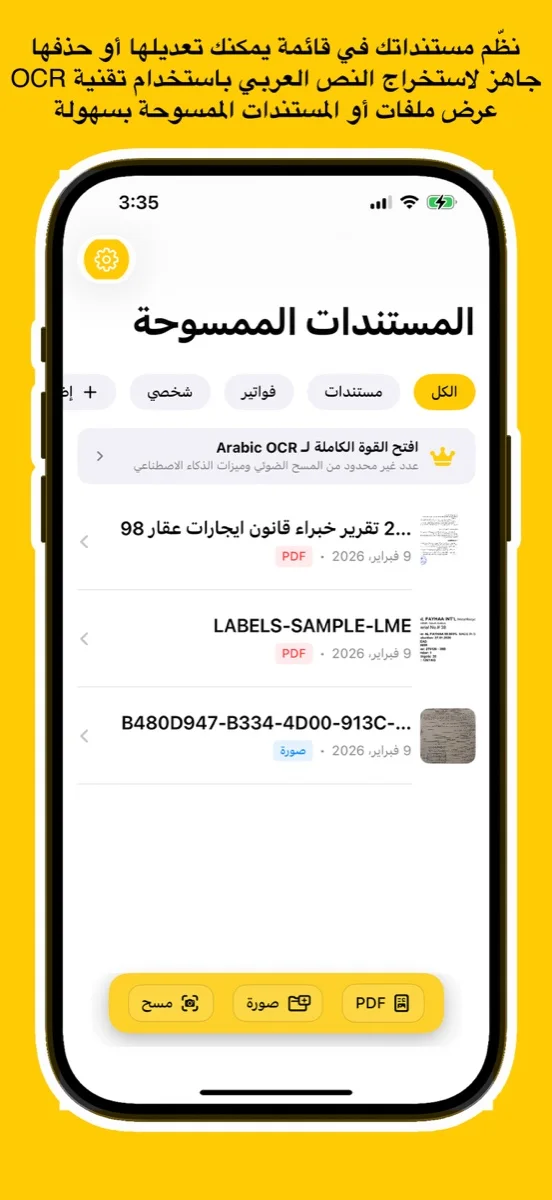
Open PDF Studio Portalوداعاً للكتابة اليدوية! مع تطبيقنا، يمكنك استخراج النصوص العربية من أي مصدر بضغطة زر واحدة عبر جميع تطبيقاتنا.
دعم كامل للخطوط العربية المطبوعة واليدوية بفضل خوارزميات المعالجة المتقدمة.
معالجة فورية للصور، المستندات الممسوحة ضوئياً، وملفات PDF متعددة الصفحات.
استمتع بتجربة مستخدم سلسة حيث يتم استخراج النصوص وتنسيقها خلال ثوانٍ معدودة.
نظام متطور يفهم سياق الحروف العربية لضمان أعلى مستويات الدقة وتقليل الأخطاء.
Learn how to use Arabic OCR Web Portal in minutes
This comprehensive tutorial covers everything you need to know about using the Arabic OCR Web Portal, including document scanning, text extraction, AI-powered summarization, and translation features.
Learn how to edit, merge, and manage your PDFs with PDF Studio
The lighting engine, still impressive today in its stylistic brutality, casts shadows that move when you aren't looking. You will shoot at a flickering light at least three times. You will be right to do so. You can’t have a F.E.A.R. game without new toys and new monsters. On the toy side, the Minigun and Laser Carbine are added to the arsenal. The Minigun turns the slow-motion mechanic into a symphony of brass and gore, while the Laser Carbine is a surgical scalpel for popping Replica soldier helmets.
It took the claustrophobic dread of the original and turned the volume up until the speakers blew out. If the base game was a psychological thriller, Extraction Point is a descent into a concrete-and-blood hellscape. The expansion picks up in the most F.E.A.R. way possible: seconds after the nuclear explosion that ended the first game. You, the Point Man, are pulled from the wreckage of the helicopter crash. The city of Auburn is gone. In its place is a necropolis of twisted steel, ash-choked skies, and a silence that feels violently loud.
The PC version is famously broken on modern systems. It suffers from a memory leak that causes the audio to desync and the game to crash every 45 minutes. You will need the fan-made Extraction Point Fix or the "F.E.A.R. Combat" workaround. (The Xbox 360 version, backwards compatible on modern Xbox consoles, is actually the most stable way to play today).
Released in late 2006, just a year after Monolith Productions’ genre-defining first-person shooter, Extraction Point wasn’t developed by the original team. Instead, it was handed off to TimeGate Studios. For most franchises, a "B-team" expansion is a death knell—a quick cash grab of recycled assets and lazy level design. But in a twist of fate, Extraction Point did something remarkable: It understood F.E.A.R. better than its creators did. f.e.a.r extraction point
Of course, Alma Wade—the psychic, ghostly child-woman who hates you—has other plans. What separates Extraction Point from its predecessor is its sheer, unrelenting nihilism. The original F.E.A.R. had moments of light; office buildings with fluorescent bulbs, industrial zones with safety signs. Extraction Point has none of that.
The mission is simple: Find your team and get to the extraction point.
Despite the technical fragility, Extraction Point is essential horror gaming. It is the Aliens to the original Alien . It trades slow dread for frantic, desperate survival. It answers the question: "What if the nightmare never ends?" The lighting engine, still impressive today in its
Why? Because Extraction Point ends badly. Not "badly made," but tragically. It offers no hope. It closes the loop on Alma’s tragedy in a way that is thematically perfect but commercially bleak. The final shot of the game is one of the most haunting images in early 2000s gaming—a freeze-frame of futility. Absolutely. But with a warning.
There are video game expansions, and then there are gauntlets. F.E.A.R. Extraction Point is the latter.
8.5/10. A leaner, meaner, darker sequel that fumbles the technical landing but nails the spiritual vibe. Just save often. Alma is watching. Have you played F.E.A.R. Extraction Point? Do you consider it canon, or a glorious "what if"? Sound off in the comments below. You can’t have a F
You spend the entire game in the ruins of a city that no longer exists. Hospitals are morgues. Churches are desecrated slaughterhouses. The sky is a permanent, sickly twilight. TimeGate realized that horror isn't just about what jumps out of a vent—it's about the space you occupy. Every corridor feels like a tomb. Every ladder you climb leads to a floor that shouldn't be there.
The answer is terrifying. And absolutely worth extracting.




This app uses the latest Google Vision API — a powerful AI technology trained on millions of real-world documents — to deliver exceptional OCR accuracy.
Whether it's complex handwriting or low-quality images, Google Vision’s neural networks ensure precise text recognition every time.
Benefit from ongoing improvements in Google’s AI models. As the API evolves, your OCR results get even better — no app update required.
يستخدم هذا التطبيق أحدث إصدار من Google Vision API، وهي تقنية ذكاء اصطناعي قوية تم تدريبها على ملايين المستندات الواقعية لضمان دقة فائقة في التعرف على النصوص.
سواء كانت كتابة يدوية معقدة أو صور بجودة منخفضة، توفر خوارزميات Google نتائج دقيقة في كل مرة.
استمتع بـ تحسينات متواصلة في أداء الذكاء الاصطناعي من Google. مع كل تحديث تقني، تتحسن نتائج التعرف دون الحاجة لتحديث التطبيق.
Discover tips, tutorials, and latest news about Arabic OCR and AI technology.